Office and site connectivity
A stronger foundation for every connection.
Cloud applications still depend on the connections beneath them. So do shared files, business calls, and the devices around your workplace.
SignalHarbor IT helps Maryland businesses manage network infrastructure with attention to the actual location, equipment, and work involved—from unreliable office Wi-Fi to changes that need a more considered plan.
Look beyond “the internet is slow.”
An issue may affect one desk, one room, one application, or the whole office. Those are different starting points.
We consider where the problem appears, how devices connect, and which systems or providers are involved. The goal is to distinguish an internal network issue from a device, application, or internet-service problem before deciding what to change.
Manage the infrastructure behind the connection.
Wi-Fi and workplace coverage
Consider where people work, how devices connect, and which areas need attention. Coverage and capacity should be examined in the context of the site.
Switching and routing
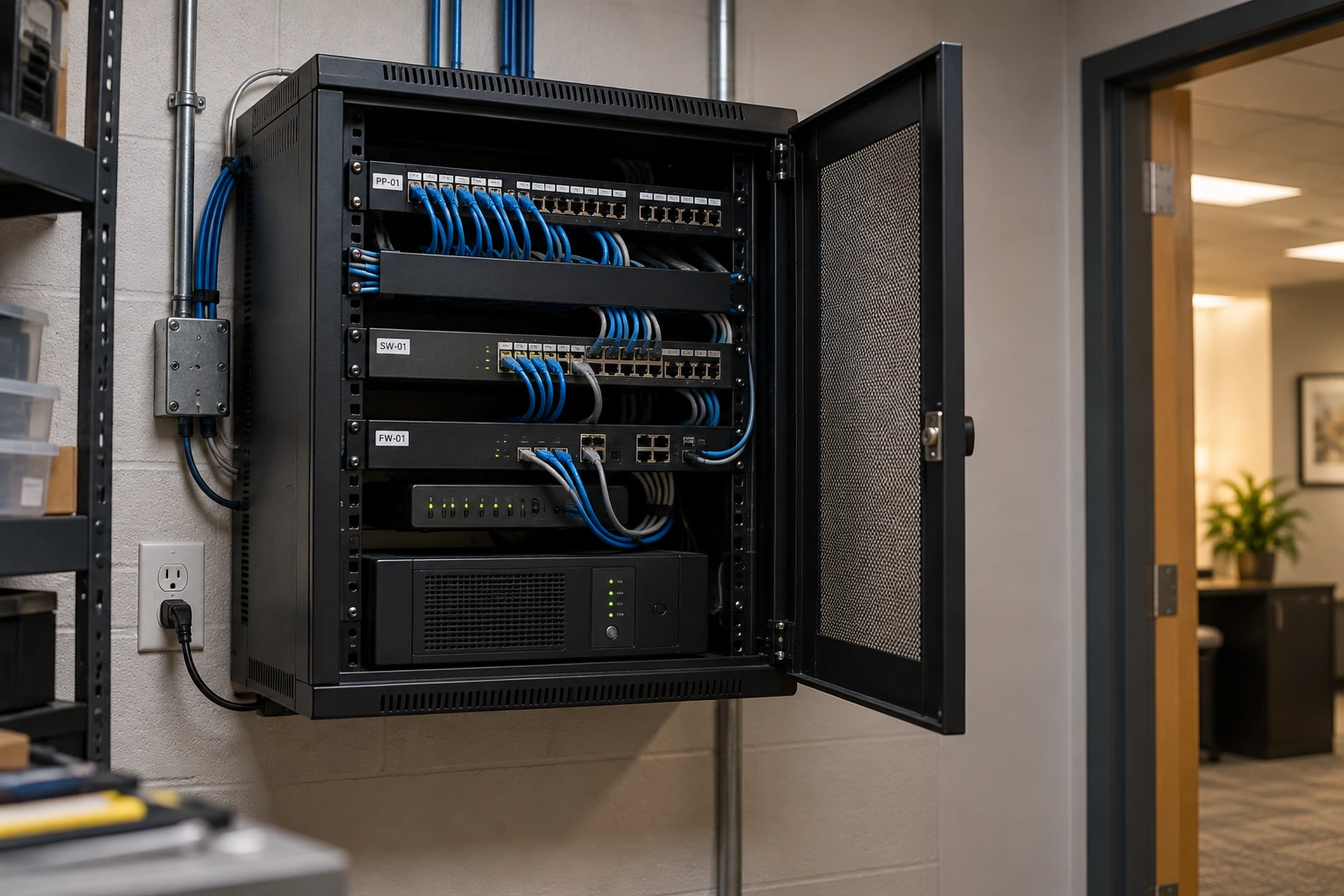
Manage the supported equipment and configuration connecting devices and networks. Keep the relationships understandable as the environment changes.
Firewalls and controlled access
Treat permitted connections and remote access as deliberate configuration decisions, connected to the wider cybersecurity approach.
Equipment lifecycle and providers
Account for maintenance, support status, replacement needs, and the internet or hardware providers involved in the environment.
Site work needs its own plan.
MANAGED INFRASTRUCTURE
Covered equipment, administration, maintenance, and troubleshooting responsibilities.
EXTERNAL SERVICES
Internet circuits, carrier equipment, warranties, and provider-controlled systems.
PHYSICAL CHANGES
Cabling, electrical work, mounting, construction dependencies, and new-site installation responsibilities.
The plan separates our network responsibilities from cabling, electrical work, and services controlled by the carrier.
Make changes with the working day in mind.
We discuss what the network needs to support, identify the relevant equipment and dependencies, and distinguish configuration changes from replacement or installation work.
For a move or significant upgrade, the plan also needs to account for access to the site, work scheduling, testing, and coordination with the people responsible for the premises.
Compare the equipment and the ongoing work.
Network cost can involve hardware, subscriptions, installation, and continuing administration. Your proposal should distinguish those items and explain which existing equipment can remain within the agreed support scope.
Frequently asked questions
Do we still need network management when most applications are in the cloud?
Yes, cloud services still need usable connectivity from the devices and locations accessing them. Office Wi-Fi, switches, routers, firewalls, and internet service remain relevant. Cloud hosting changes where an application runs; it does not remove the need to understand the connections between the workplace and that application.
What happens when the internet provider is responsible?
With your authorization, we coordinate troubleshooting and technical findings with your internet provider. The provider remains responsible for its own network and restoration work; we help keep the investigation and escalation organized.
Will we need to replace all our network equipment?
Not necessarily. We assess the condition, support status, configuration, and capabilities of existing equipment against the site’s needs. Some problems need a settings change; others justify replacement. That assessment comes before a hardware recommendation.
Can you help with an office move or new location?
A move can be discussed as a defined project. It needs more than an equipment list: internet availability, layout, cabling, building access, scheduling, and responsibilities all matter. Any installation or specialist trade work must be identified in the project rather than assumed to be included with routine network administration.
Bring us the connection problem in context.
Tell us where it happens, who it affects, and what has changed. That is a useful starting point for understanding the infrastructure behind it.