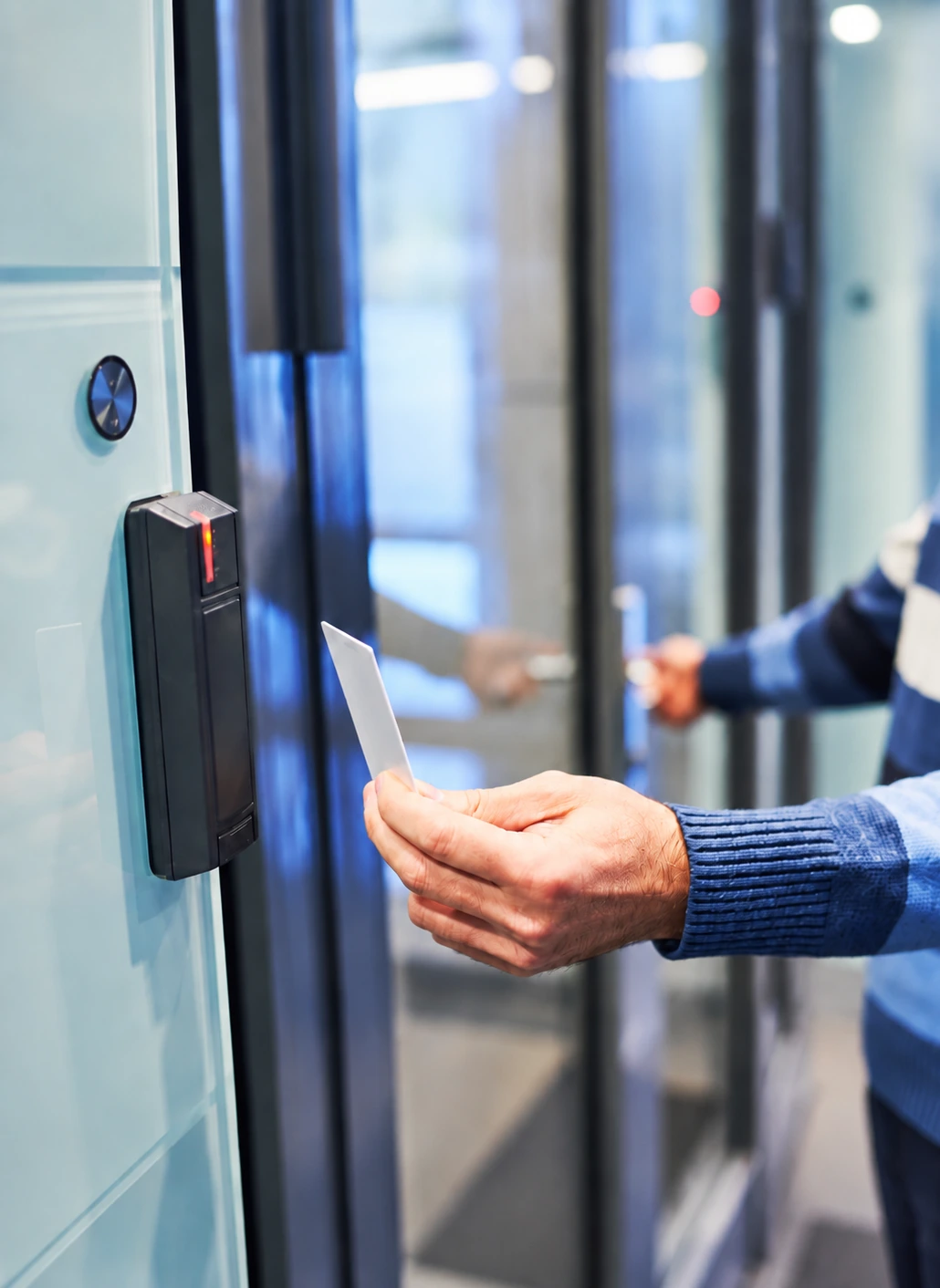
Door access and physical access control
Control entry to your premises.
Who should be able to enter, which doors should they use, and what changes when their responsibilities change?
SignalHarbor IT helps Maryland businesses define a physical access-control setup around those questions. The work starts with the premises, the people using them, and the equipment and installation responsibilities involved—not with an assumption that every door needs the same solution.
When managing entry needs more structure.
Keys have changed hands. Different people need access at different times. A staff change requires an update, but responsibility for the system is unclear.
Physical access control introduces a more deliberate way to manage entry permissions. The appropriate arrangement still depends on the actual doors, equipment, and operating needs.
Start with the people, the doors, and the rules.
Doors and access areas
Identify the entrances and internal areas involved, how they are used, and what the existing hardware and premises permit.
Credentials and permissions
Define who receives access, how it is approved, and how permissions are changed or removed. Credential options depend on the supported system.
Administration
Agree who approves and makes access changes, and who can use the administrative tools. Confirm whether the selected system supports the remote administration you need.
Connected systems
Identify any requested relationship with cameras, intercoms, or other equipment. Integration requires specific compatibility and responsibility checks.
A door-access project involves more than software.
SYSTEM CONFIGURATION AND ADMINISTRATION
Supported controllers, readers, credentials, permissions, and the ongoing tasks included.
PHYSICAL INSTALLATION
Locks, wiring, power, mounting, building access, and any specialist contractor or property-owner involvement.
SITE REQUIREMENTS
Entry, emergency exit, fire-system relationships, and the applicable review or approval process for the premises.
ONGOING OPERATION
Permission approvals, lost credentials, staff changes, maintenance, and the support route when something is wrong.
Before work starts, the project identifies who handles system configuration, installation, and site approvals. Our IT role does not replace specialist trade work or the required building-safety review.
Check the site before committing to hardware.
We begin with the intended use and the existing conditions. From there, the project can define the supported equipment, installation responsibilities, access rules, and the checks needed before handover.
That also establishes what your organization will administer afterward and which ongoing responsibilities belong in a service agreement.
Physical access is not digital identity.
A door credential and a Microsoft 365 account may belong to the same employee, but they are separate permissions. Removing one should not be assumed to remove the other.
A staff-change process needs to account for both—and for any integration only where it actually exists.
Understand the project and ongoing costs separately.
Doors, hardware, credentials, software, installation, and ongoing administration can contribute different costs. The proposal should explain those parts and any work assigned to another contractor.
Frequently asked questions
Can existing doors or readers be reused?
Possibly, but compatibility and suitability need to be assessed. Door construction, locks, readers, controllers, wiring, and the proposed platform all affect the answer. Existing equipment should not be represented as reusable until those details are checked. A site-specific recommendation is more useful than a blanket replacement—or compatibility—promise.
Can we use badges or mobile credentials?
Credential choices depend on the supported readers, controllers, software, and licensing. The decision also needs to account for how credentials are issued, replaced, and withdrawn. Your preferred method is a requirement to discuss at the outset, not a feature to assume every system supplies.
Who handles wiring, locks, and installation?
The project identifies the responsible parties before work begins. Depending on the premises and selected equipment, physical work may involve a specialist installer, electrician, locksmith, property owner, or other contractor. SignalHarbor IT’s technical and ongoing-management responsibilities must be distinguished from those other roles.
What happens during a power or network outage?
The answer depends on the door hardware, controller, power arrangement, configuration, and site requirements. Loss of internet, loss of local power, and an emergency-release condition are not interchangeable events. The intended behavior needs to be established and checked for the actual installation—not generalized from a description of access-control software.
How are employee changes or lost credentials handled?
Use the agreed reporting route for lost credentials and staff changes. The support arrangement identifies who approves and carries out access changes, which actions the system supports, and the hours covered.
Start with the doors and the people using them.
Tell us what you need to control, what is already installed, and where the current process creates difficulty. We will use that to define the appropriate discussion and site requirements.